Uninstall Instructions for Future Code DriverPRO Updater with Active Optimization
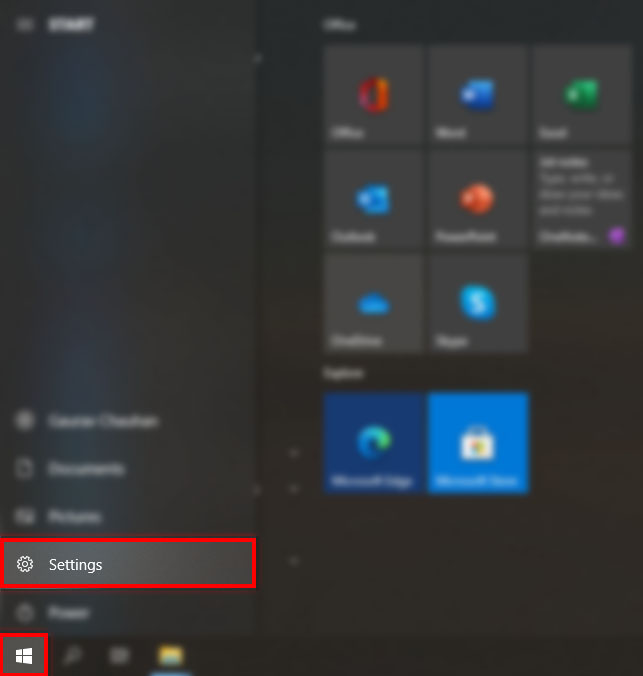
Future Code DriverPRO Updater with Active Optimization is dedicated to providing its customers with the best possible software products. In event that our software does not operate as expected, and you wish to uninstall Future Code DriverPRO Updater with Active Optimization, we have provided an easy uninstall program available on the Start menu of Windows 10, Windows 8, Windows 7 as well as Vista and XP. window-screen.
1.Future Code DriverPRO Updater
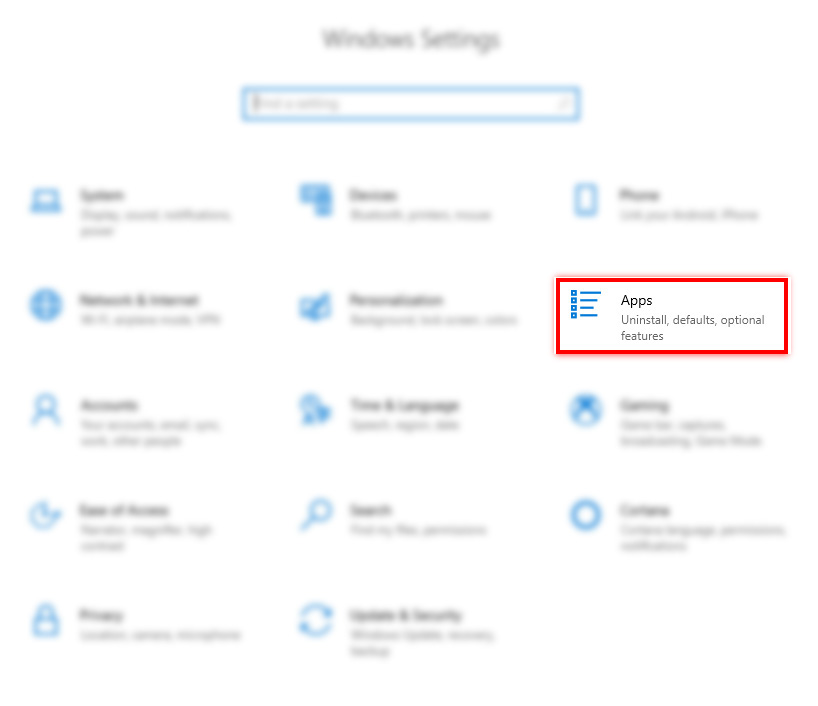
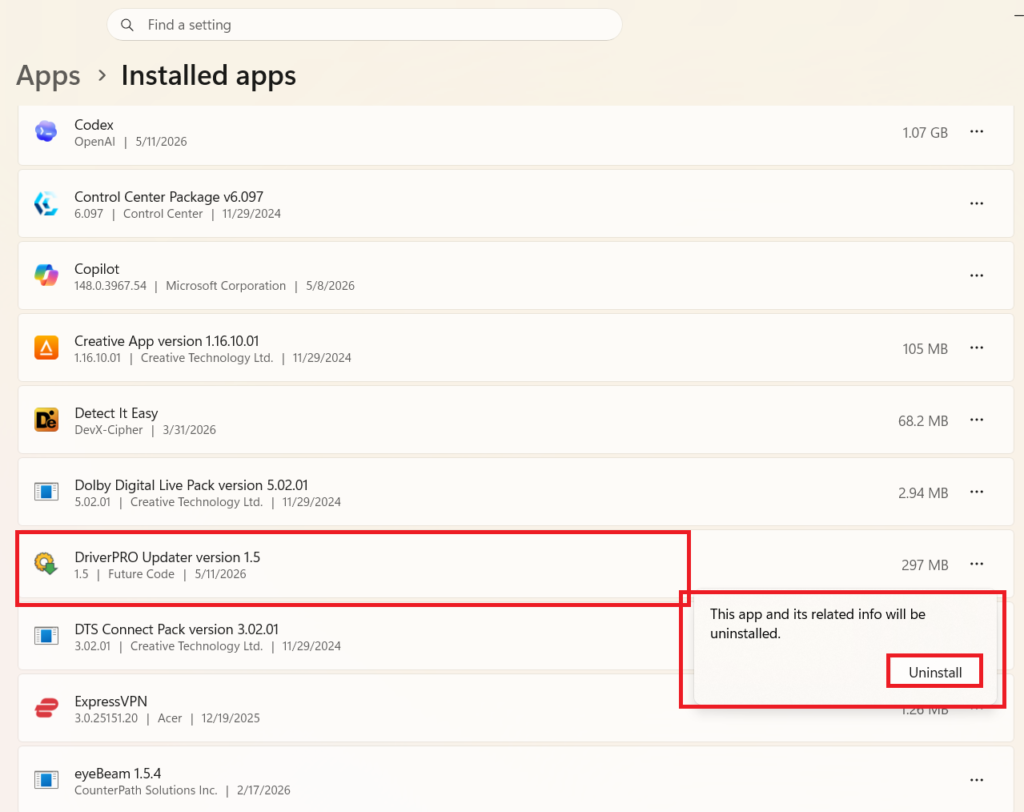
2.Click to Apps Icon
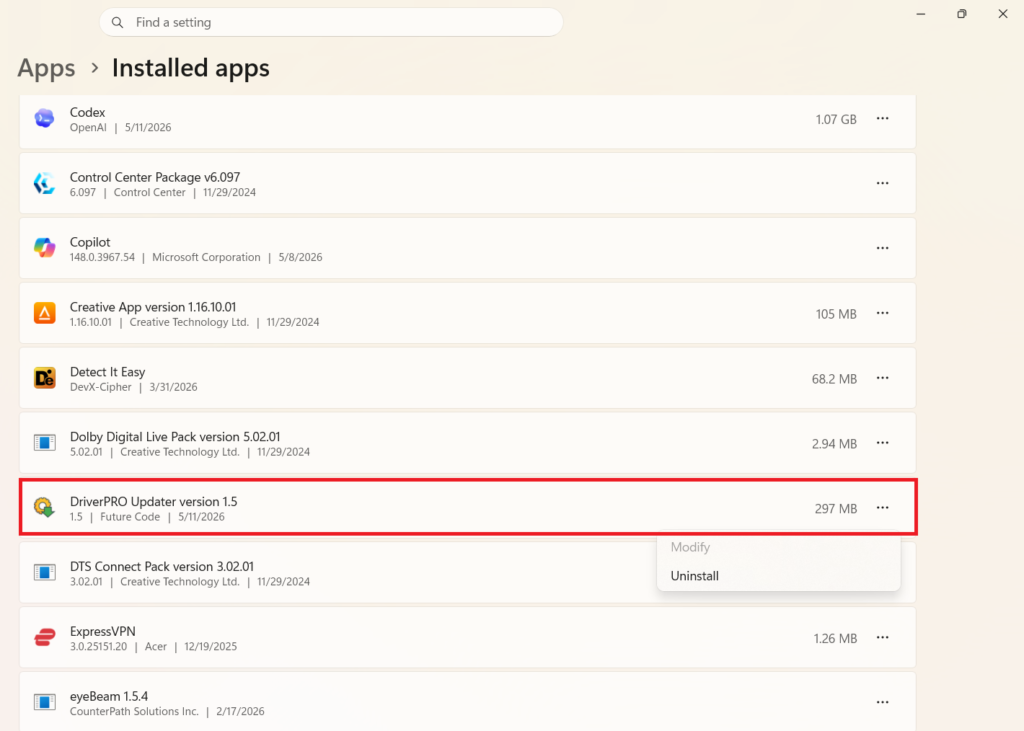
3.Select DriverPRO Updater.
4. Click "Uninstall" Button.
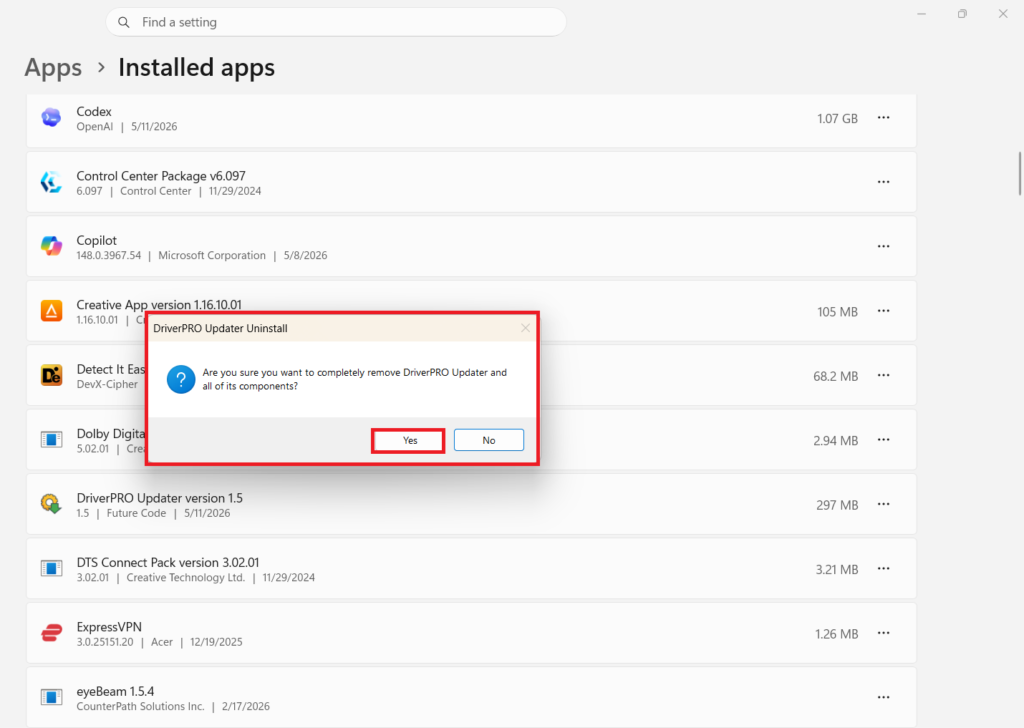
5. Click On "Yes" Button
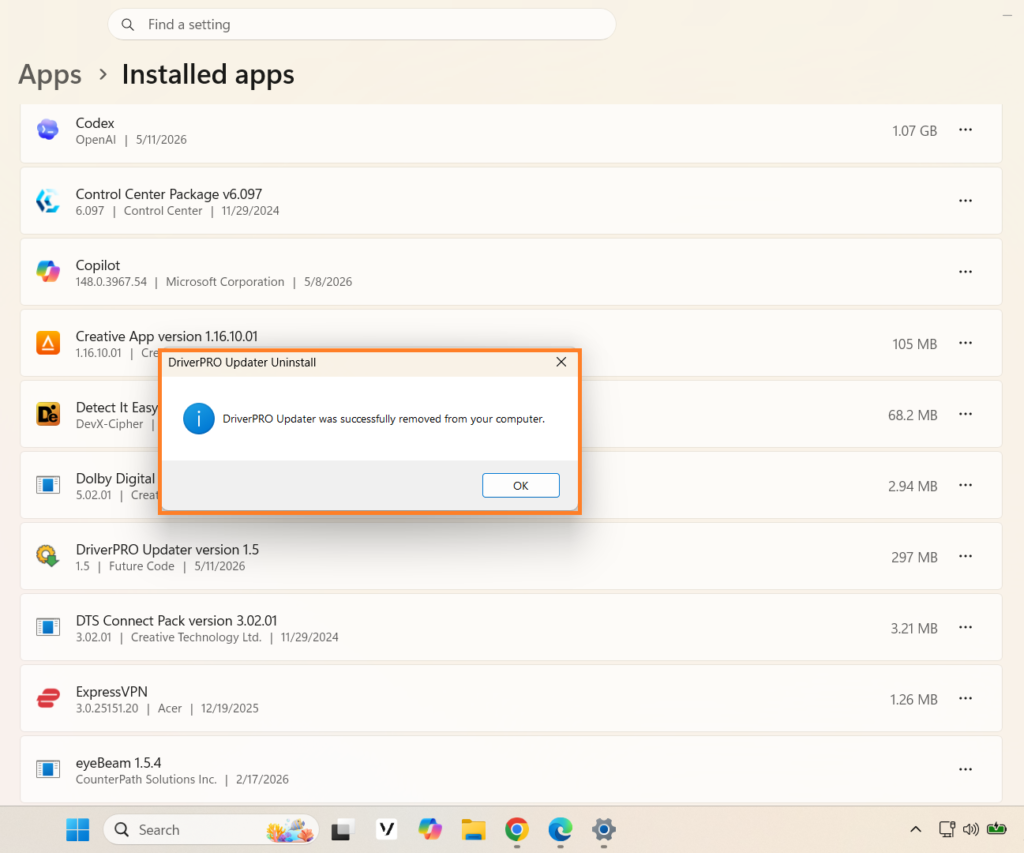
6.After Processing Uninstallation Complete
Note: A cookie with trackable information still remains on your computer after the software has been removed. This cookie can be removed using your web browser’s normal cookie removal process.
Disclaimer : All third party products, brands or trademarks listed above are the sole property of their respective owner. No affiliation or endorsement is intended or implied.
63 N. Burritt Ave Room 100 East PMB1274 Buffalo, WY 82834